 v0.1.0Productivity
Save any page as clean Markdown
Highlights, tags & a searchable local library — 100% local.
Free · Local-first · No account required
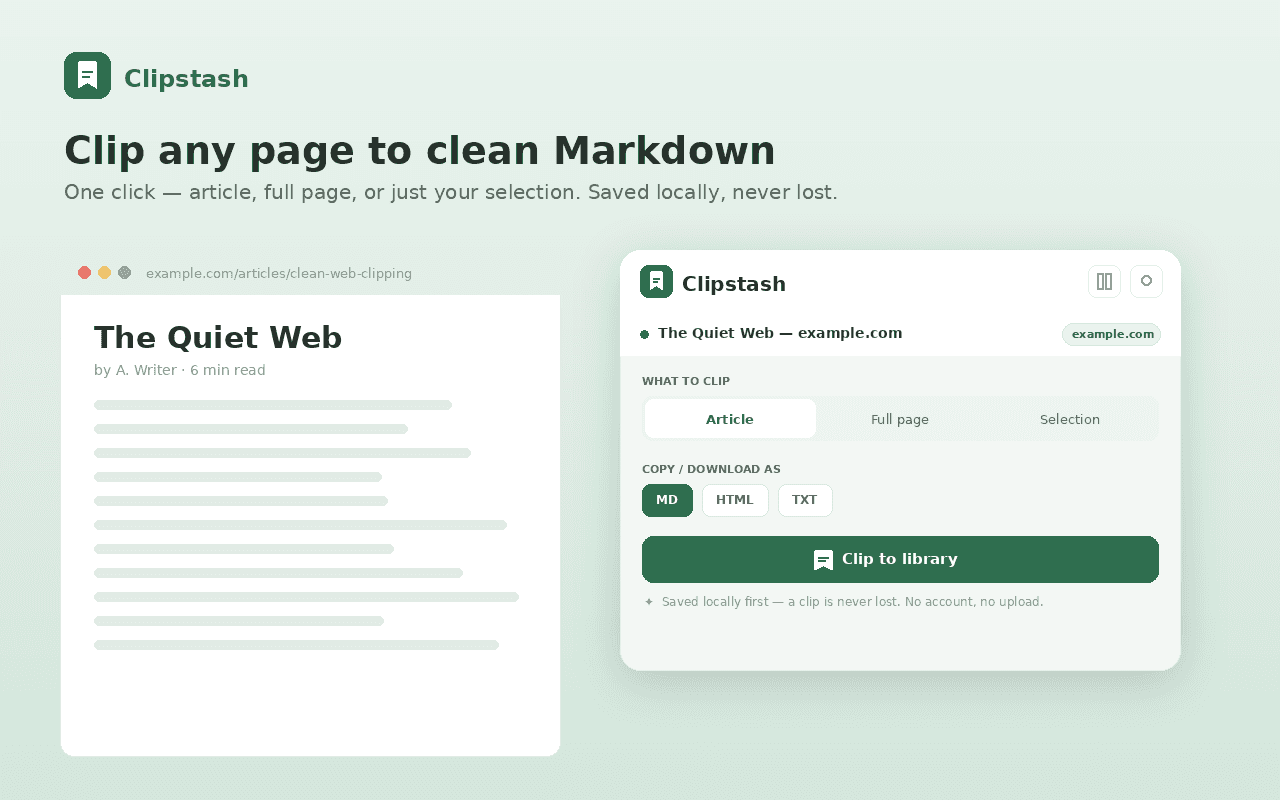
Save anything you read as clean, durable Markdown — and keep it in a fast, searchable library that lives on your computer. No account. No upload. No subscription.
Clip it your way: a Readability-style extractor pulls just the article (no nav, ads or sidebars), or keep the full page, or clip only your selection. Faithful HTML→Markdown keeps headings, links, images, lists, quotes, code blocks and tables, with optional YAML frontmatter for Obsidian, Logseq and every PKM.
A real local library with full-text search across titles, text, sites and tags; filters, sorting and favorites; plus a built-in distraction-free reader where you can highlight in four colours and add notes.
Export anywhere — copy or download as Markdown, HTML or plain text, send to Obsidian in one tap, or bulk-export your whole library. Private by design: zero network requests, no host permissions, no account, no tracking. Your clips never leave your device.
Features
Everything Clipstash does
Clip it your way
Article (a Readability-style extractor strips nav, ads and sidebars), full page, or just the text you selected.
Clean Markdown, done right
Faithful HTML→Markdown — headings, bold/italic, links, images, lists, quotes, code blocks and tables — with optional YAML frontmatter.
Searchable local library
Full-text search across titles, text, sites and tags; filter, sort and star favorites; word count and reading time at a glance.
Read & highlight
A built-in distraction-free reader (light or sepia, adjustable size); highlight in four colours and add notes.
Tags & organize
Filter by site or tag, sort by date, title or reading time, and star favorites.
Export anywhere
Copy or download as Markdown, HTML or plain text, send to Obsidian in one tap, or bulk-export your whole library.
Private by design
Zero network requests, no host permissions, no account, no remote code. Your clips never leave your device.
Screenshots
See it in action
How it works
Up and running in seconds
- 1
Install Clipstash
Add it from the Chrome Web Store and pin it to your toolbar.
- 2
Clip a page
Click Clipstash, press Alt+Shift+S, or right-click to clip the article, full page, or just your selection — as clean Markdown.
- 3
Keep it in your library
Every clip is saved to a searchable local library with its excerpt, word count and reading time. Tag and star favorites.
- 4
Read, highlight & export
Open the distraction-free reader, highlight in four colours, then copy or download as Markdown/HTML/text — or send to Obsidian in one tap.
Keyboard
Shortcuts
| Action | Windows / Linux | macOS |
|---|---|---|
| Clip the article on this page | Alt+Shift+S | Option+Shift+S |
Privacy
Why each permission is needed
Clipstash asks for the minimum and explains every one.
activeTabClipstash reads the page only when you invoke it (toolbar click, the Alt+Shift+S shortcut, or a right-click menu item). activeTab grants one-time access to that single active tab on your gesture — there is no background access and no access to your other tabs.
scriptingRuns a small, bundled extraction script on the page you clicked Clip on to read its article HTML and your current text selection, so it can be converted to Markdown. All scripts are bundled in the extension; no remote code is loaded or executed.
storageSaves your clip library, highlights, tags and preferences locally via chrome.storage.local. Nothing is uploaded or sent anywhere.
contextMenusAdds the right-click “Clip selection to Clipstash” and “Clip page to Clipstash” menu items.
Read the full privacy policy.
Save any page as clean Markdown
Clip any page to clean Markdown — highlights, tags & a searchable local library. 100% local, no account, never lose a clip.